
Create a dedicated bot key
Use a separate API key only for Bovotrade. It can then be revoked without affecting other applications.
- Assign a unique name
- Store Key, Secret, and Passphrase securely
- Do not share an existing primary key

KuCoin API
Create a dedicated KuCoin API key for Bovotrade. Never share credentials by email, chat, or screenshot.
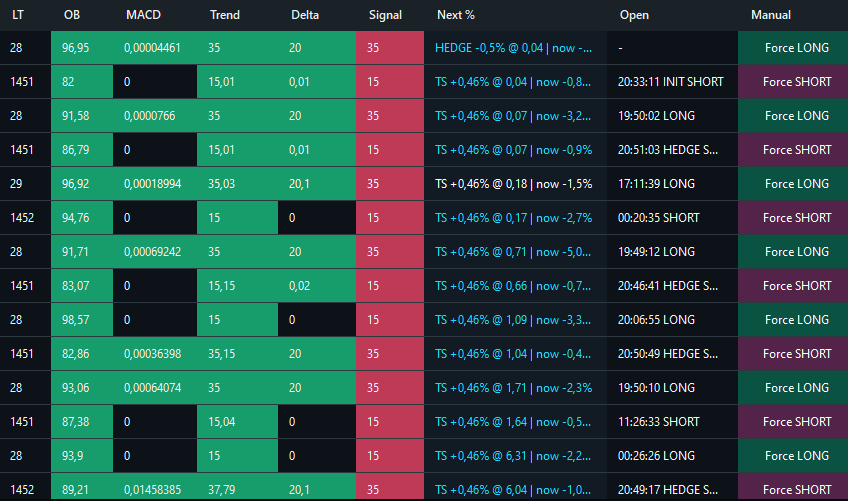
KuCoin in operation
BOVOBot combines signal assessment, auto-entry, positions, Safe Orders, and market activity in one interface.
Use a separate API key only for Bovotrade. It can then be revoked without affecting other applications.
Enable only the permissions required for Futures market data and trading. Keep withdrawal permissions disabled.
The bot must authenticate with KuCoin and receive current data. Time drift or an incorrect Passphrase causes authentication errors.
KuCoin
Key, Secret, and Passphrase must match. Even one extra space can prevent the connection.
Next step
Now configure markets, order size, and protection limits.