
1. Preparing KuCoin Futures and System
Check your KuCoin account and set up a Windows PC or server that is permanently accessible.
- Check futures access in the account
- Update the Windows system
- Ensure stable connection

KuCoin start
Take time for connection, order size and protection status. The first start should be small, visible and can be stopped at any time.
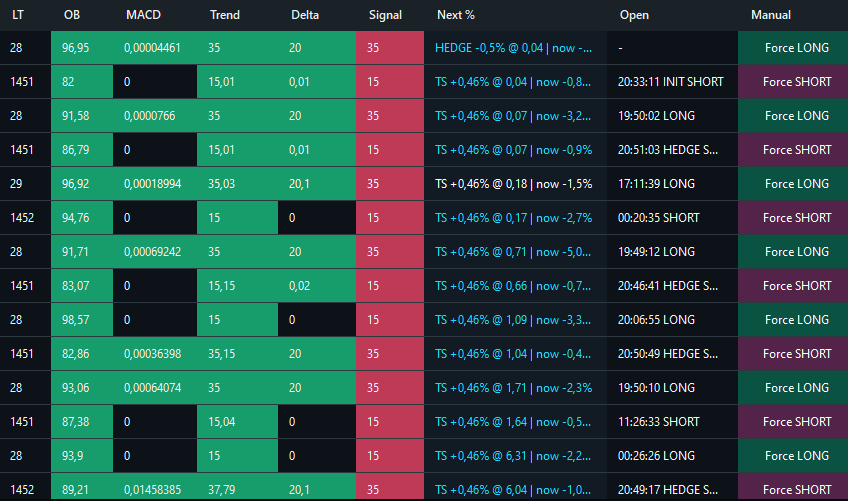
KuCoin in operation
BOVOBot combines signal assessment, auto-entry, positions, Safe Orders, and market activity in one interface.
Check your KuCoin account and set up a Windows PC or server that is permanently accessible.
Connect the bot to Key, Secret and Passphrase. Select markets, order size, leverage and position limit before starting.
Check market data, signals, open positions and safe orders. Compare the bot ad with the KuCoin account.
KuCoin
A successful connection test is only the beginning. Small borders and visible control are crucial.
Next step
Compare the SHA-256 first, then configure your own Standard API only on the local system.